


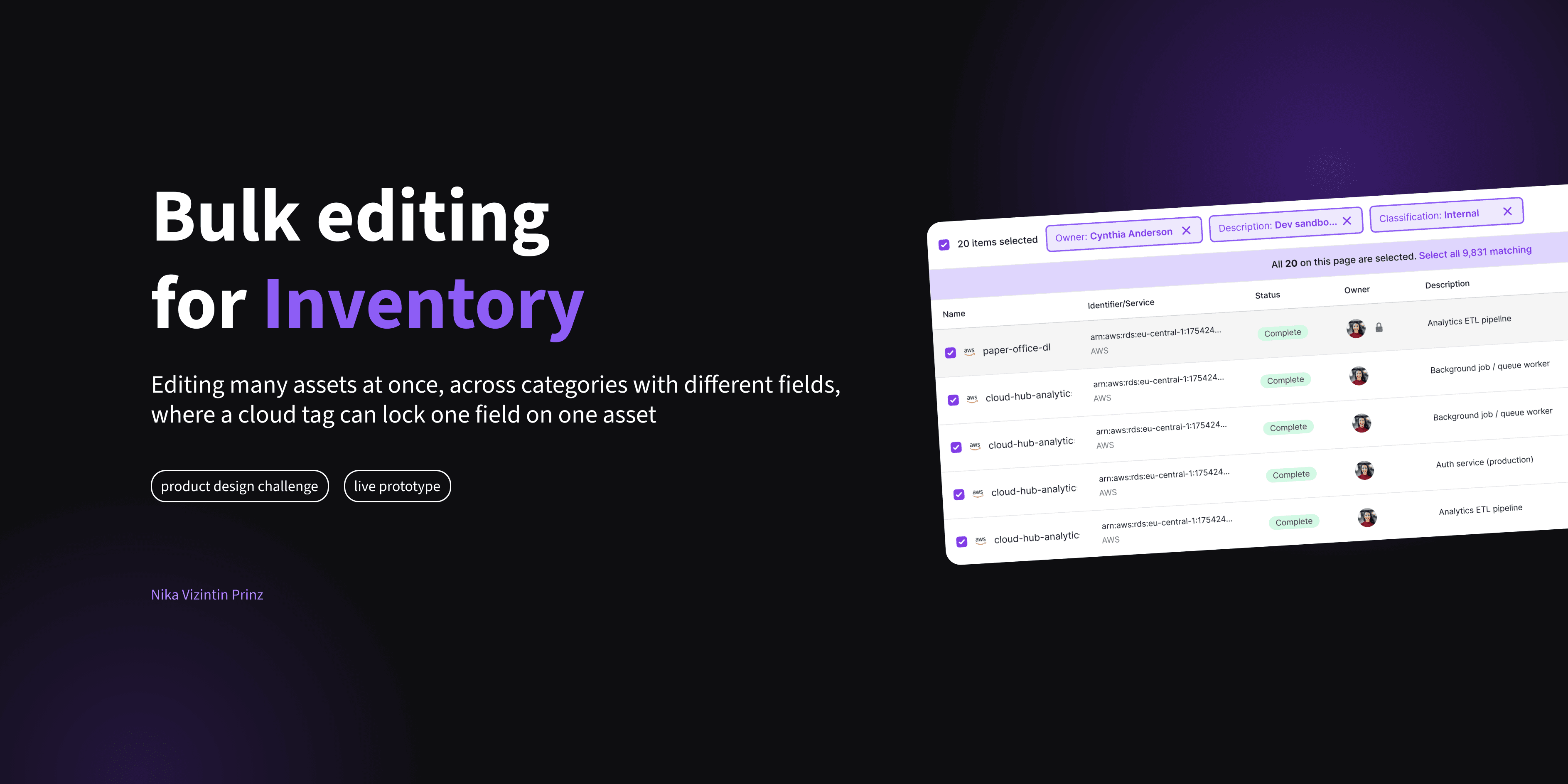
Bulk editing for a 10,000-asset compliance inventory
Secfix automates ISO 27001 compliance. Their Inventory page holds every asset a customer documents for an audit, from employee laptops to nearly ten thousand cloud instances, and each one could only be edited one row at a time. The brief was a single sentence: design bulk editing, how it works is your call. Four hours of design time, three iterations, and a deployed prototype later, this is what came out.
🔗 Live prototype🔗 Figma handover file
The setup
No PMs, no ticket: a live call, a Slack channel, and 4 hours
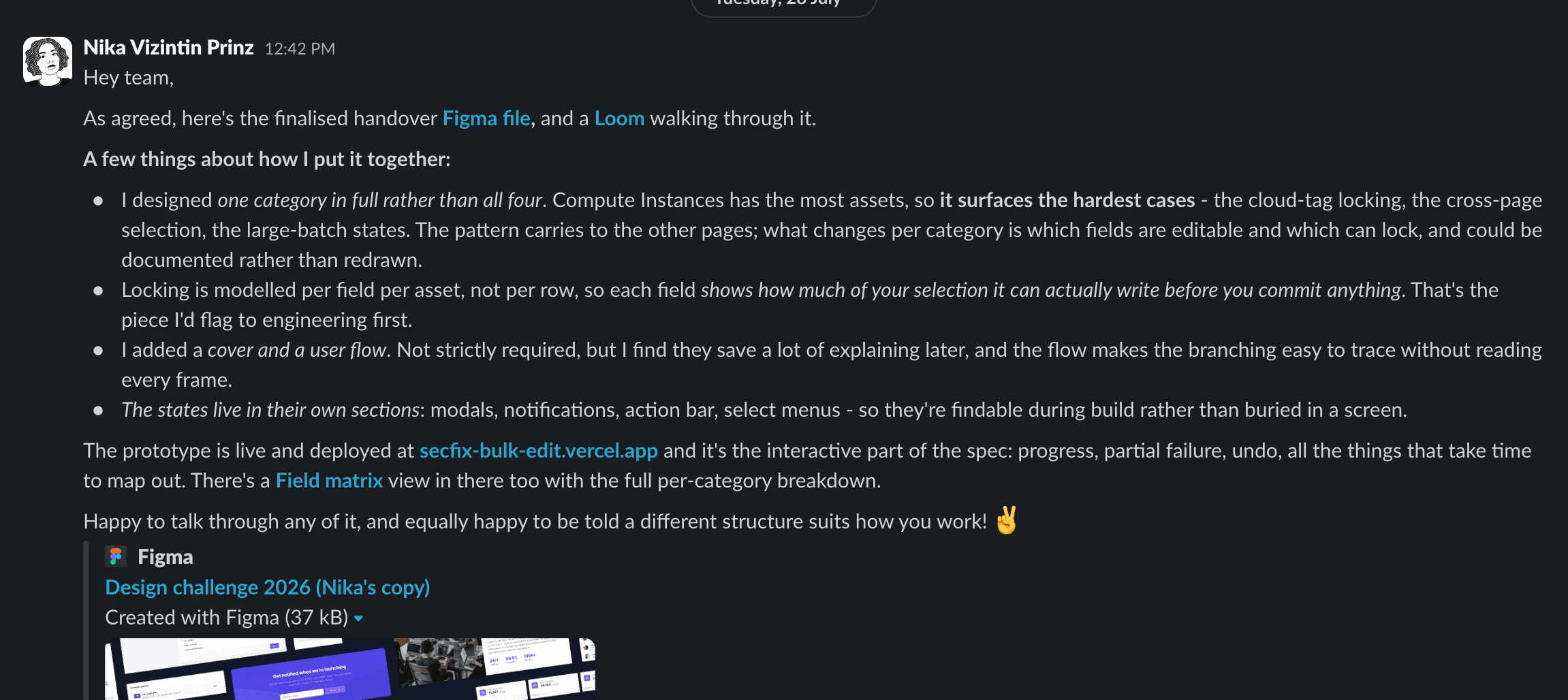
The process mirrored how Secfix actually ships: a 60-minute live call with the CTO and a senior designer, then async rounds over Slack with short Looms, wrapped up within two days. Deliverables: a production-ready Figma file, a clickable prototype, and a briefing an engineer could build from, including what was left out and why.
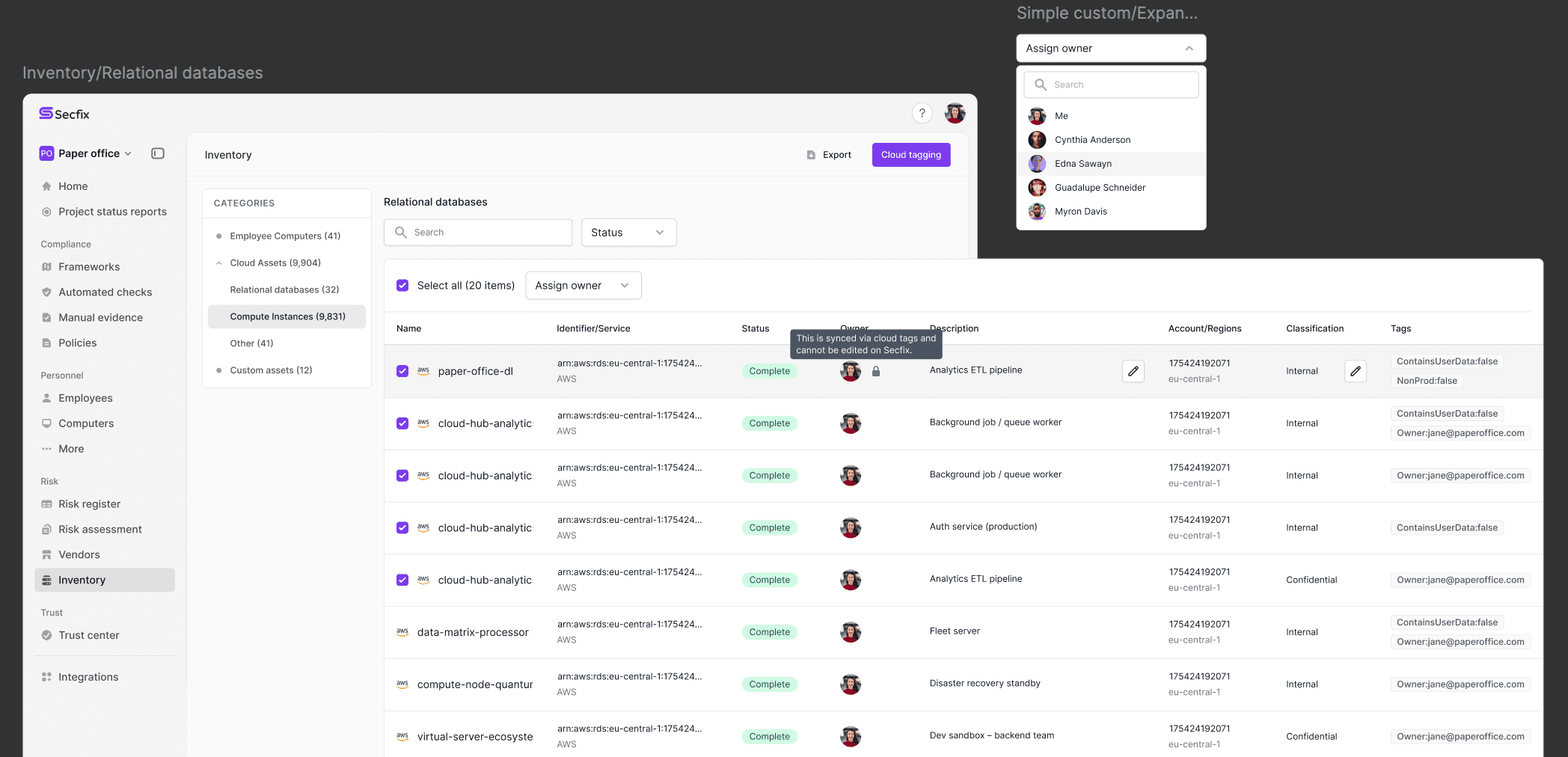
One constraint shaped everything. An asset counts as Complete when its Owner is filled, and on cloud-synced assets fields populated by cloud tags are locked. The key detail from the call: the lock exists per field, per asset, not per row. That one answer became the technical spine of the whole design.
The insight
Make the locked-asset problem impossible instead of explaining it
Version one did the obvious: select rows, skip the locked ones, and warn about the skips. Then a realisation reframed it. A lock only exists where a cloud tag wrote a value, so filtering to Unassigned produces a set where nothing can be locked. Filtering stopped being a convenience and became the mechanism that makes bulk editing safe: narrow to a set where skipping cannot happen, and keep skip-and-warn as the fallback.
Unassigning got folded into the same control. The button is simply Owner, with Unassigned as the first entry, because someone leaving the company is the moment you bulk-edit ownership fastest.
The turn
Their feedback rejected the easy answer, so the model changed
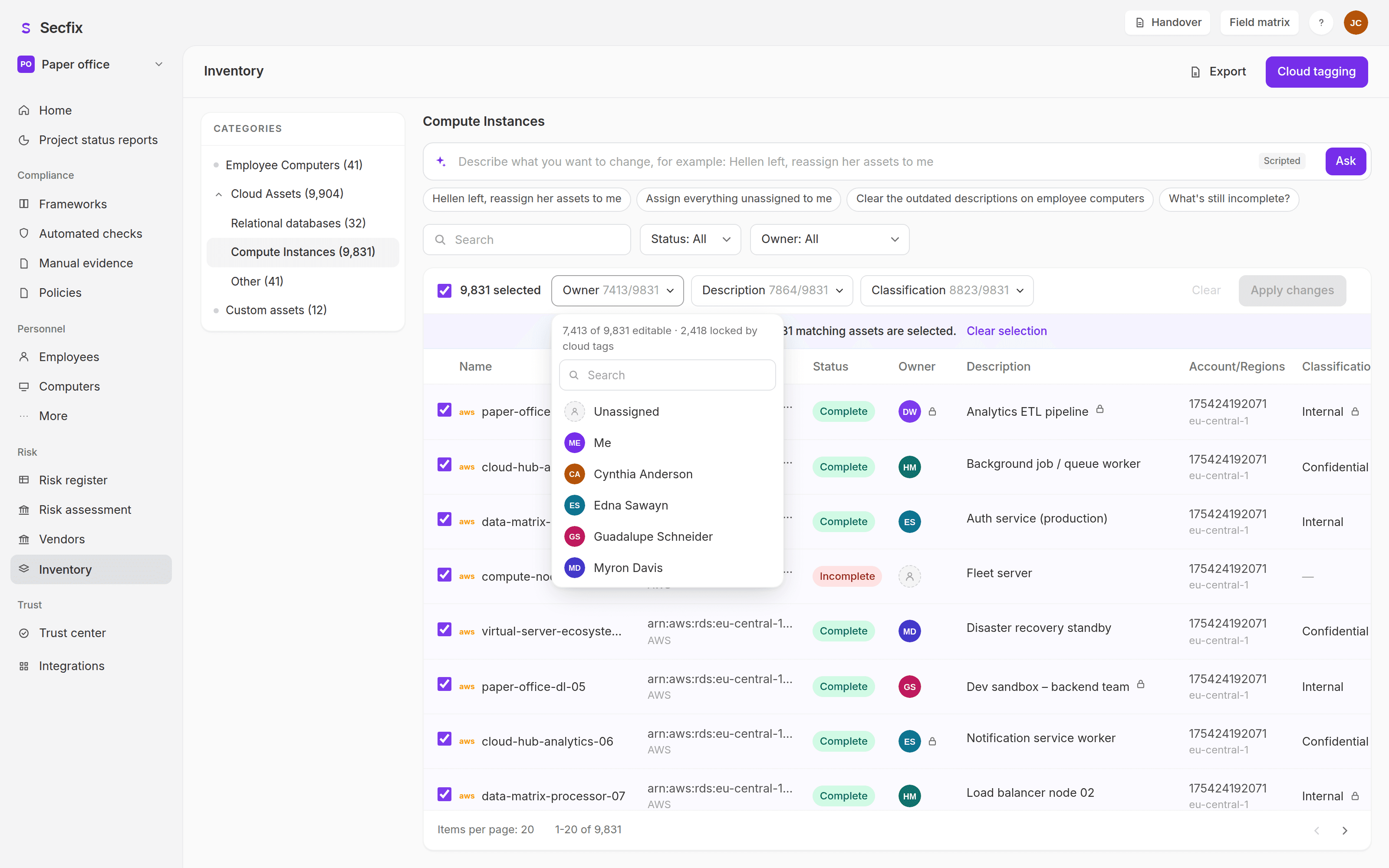
After iteration one, the feedback was precise: multi-field bulk editing mattered most, and the obvious solution was explicitly off the table. In their words, adding a button per editable field means "you're basically replicating the entire header up there." The redesign answered with three states per field: untouched, set, or cleared, so wiping outdated descriptions finally became expressible. And instead of replicating the header, every field carries a live count against the current selection, like Owner 7,413/9,831: the counts describe the selection, not the category, computed live.
The same redesign set the guardrails: no bulk write gets a default value, confirmation fires on any change that moves assets backwards to Incomplete, and above ~200 assets the write runs as a background job with progress, Stop, partial-failure Retry, and Undo.
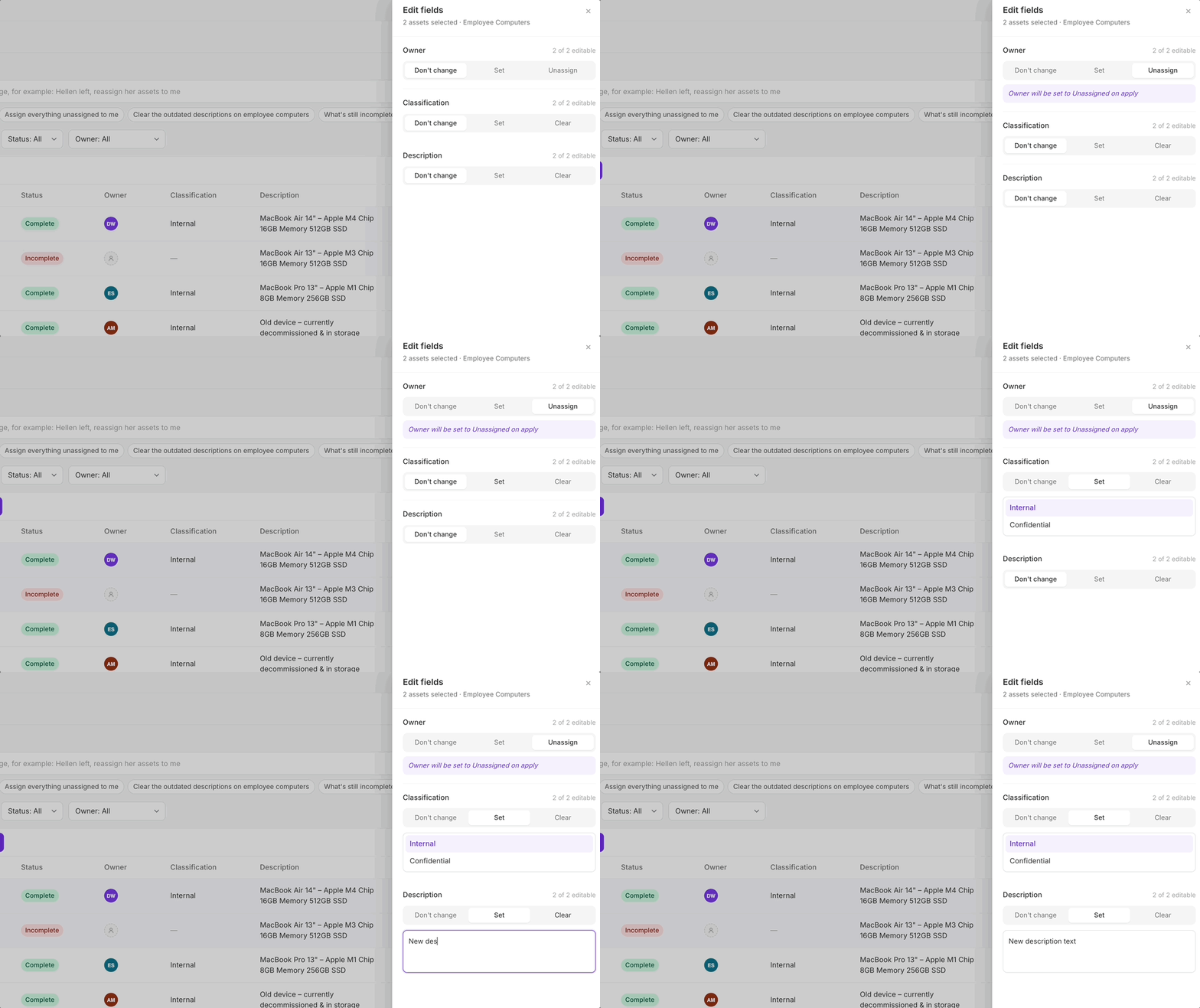
Two options, one question back
Built both models and let them choose
Two viable directions existed: a side panel listing every editable field with room to breathe, or an inline bar where every field sits one click deep. Rather than picking one, the prototype let them switch between both, with the trade-off stated honestly: inline is faster for the common case but crowds at four-plus fields; the panel stays calm at any field count but hides the table while you work. Which is right depends on how many bulk-editable fields they expect to add later, a question I put back to them instead of answering myself. They chose inline, and the panel was removed entirely so the handover file contains no dead code.
The brief asked for a design. The handover also shipped a field capability matrix, a scripted assistant, product analytics, and a live deployment, each there to answer a question the design alone could not.
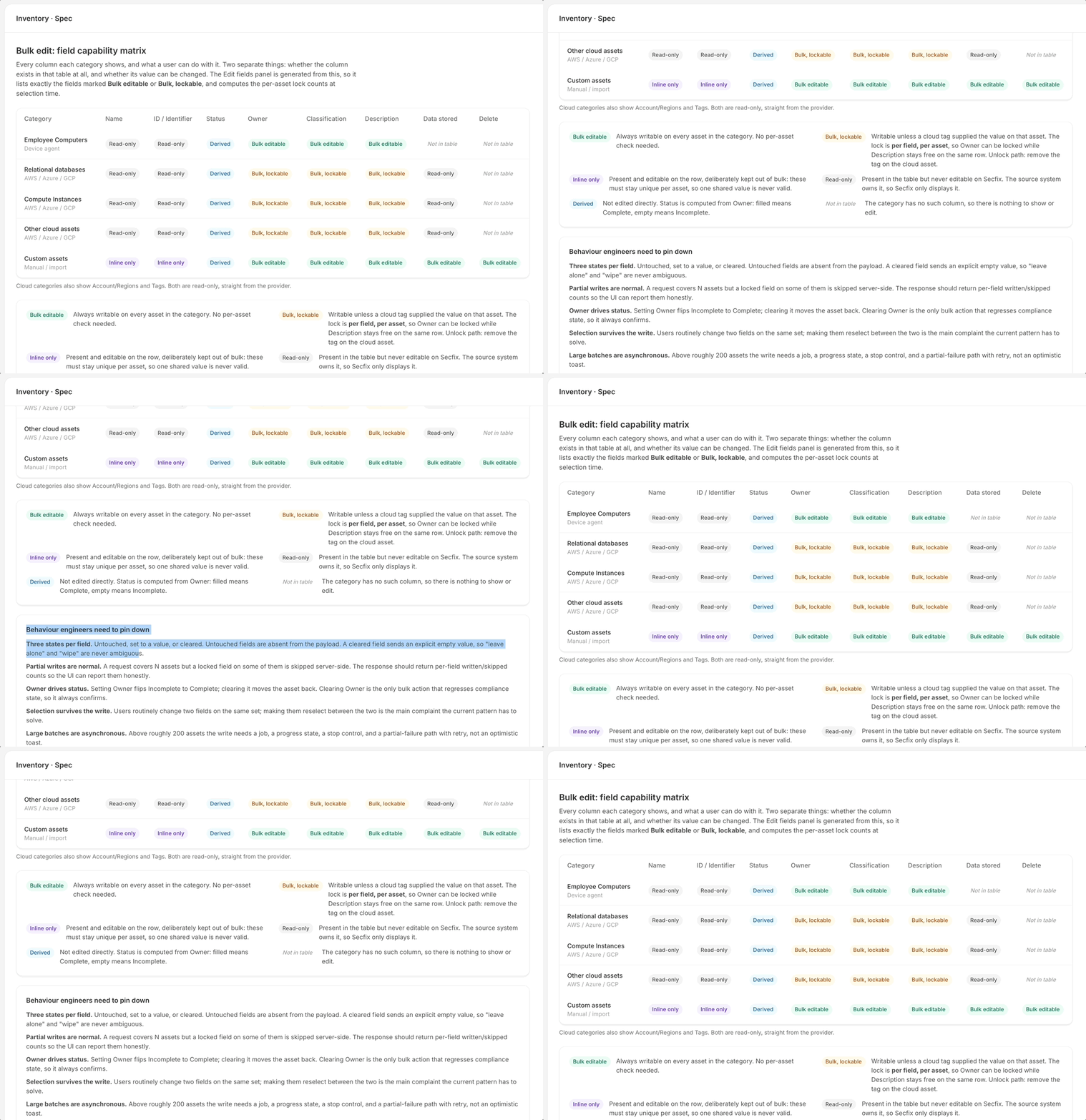
Field capability matrix
The spec lives inside the prototype
Engineers needed to know exactly which fields are bulk-editable per category and how locks behave. The matrix answers it with six states per column, separating two questions an earlier version wrongly collapsed: is the column present, and can it be changed. The action bar is generated from the same config, so the spec and the build cannot drift apart.
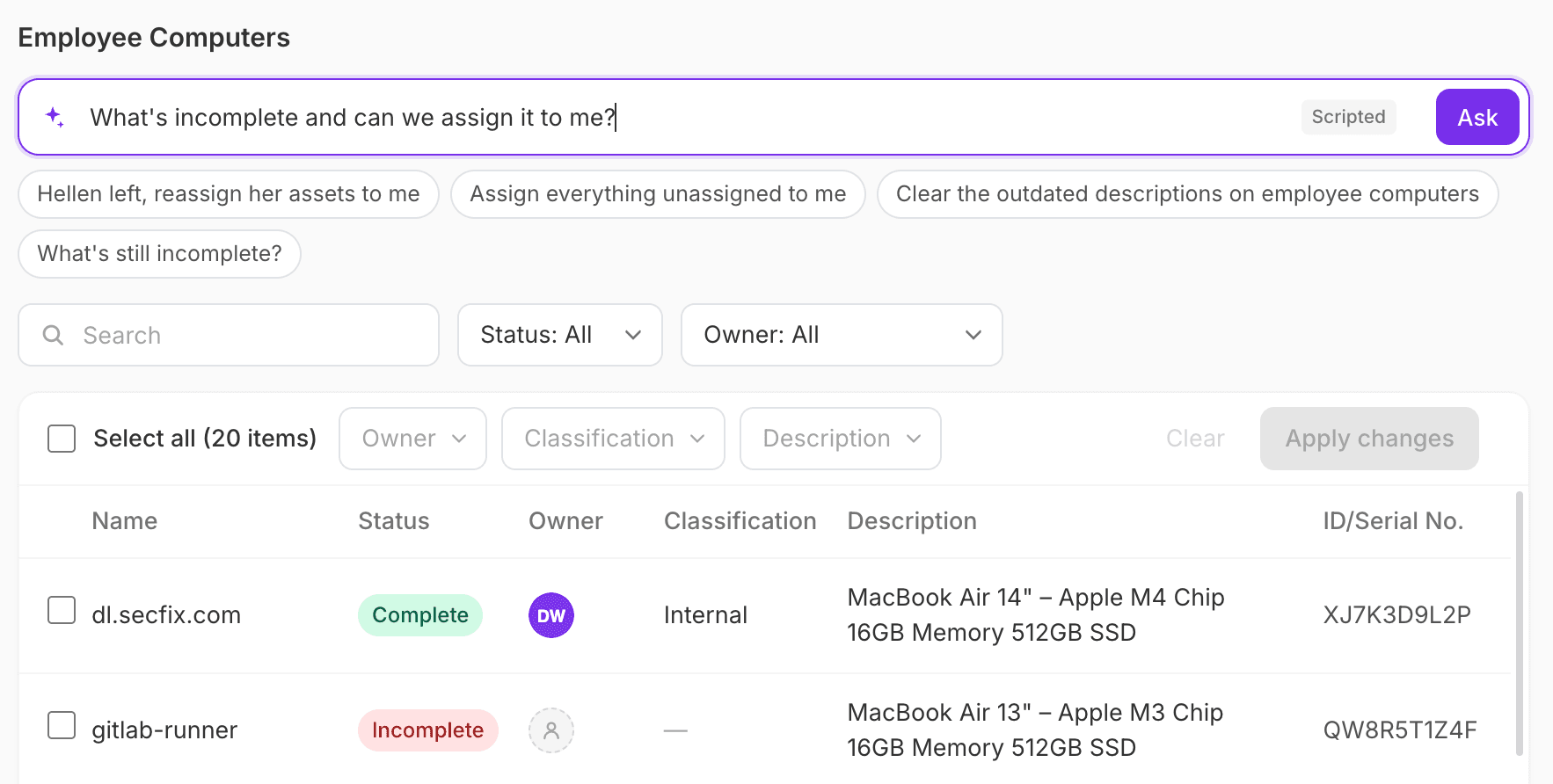
Scripted assistant
It can narrow; only a person can commit
A natural-language input resolves a request like "Hellen left, reassign her assets to me" into filters, a selection, and a pre-filled change, then stops and hands off to the normal action bar. Deliberately not a chatbot: it is labelled Scripted in the UI and no model runs.
Its best output was a product question: "until we find a new owner" implies temporary ownership the data model has no concept of. Either interim owners get marked as such, or placeholders quietly become permanent.
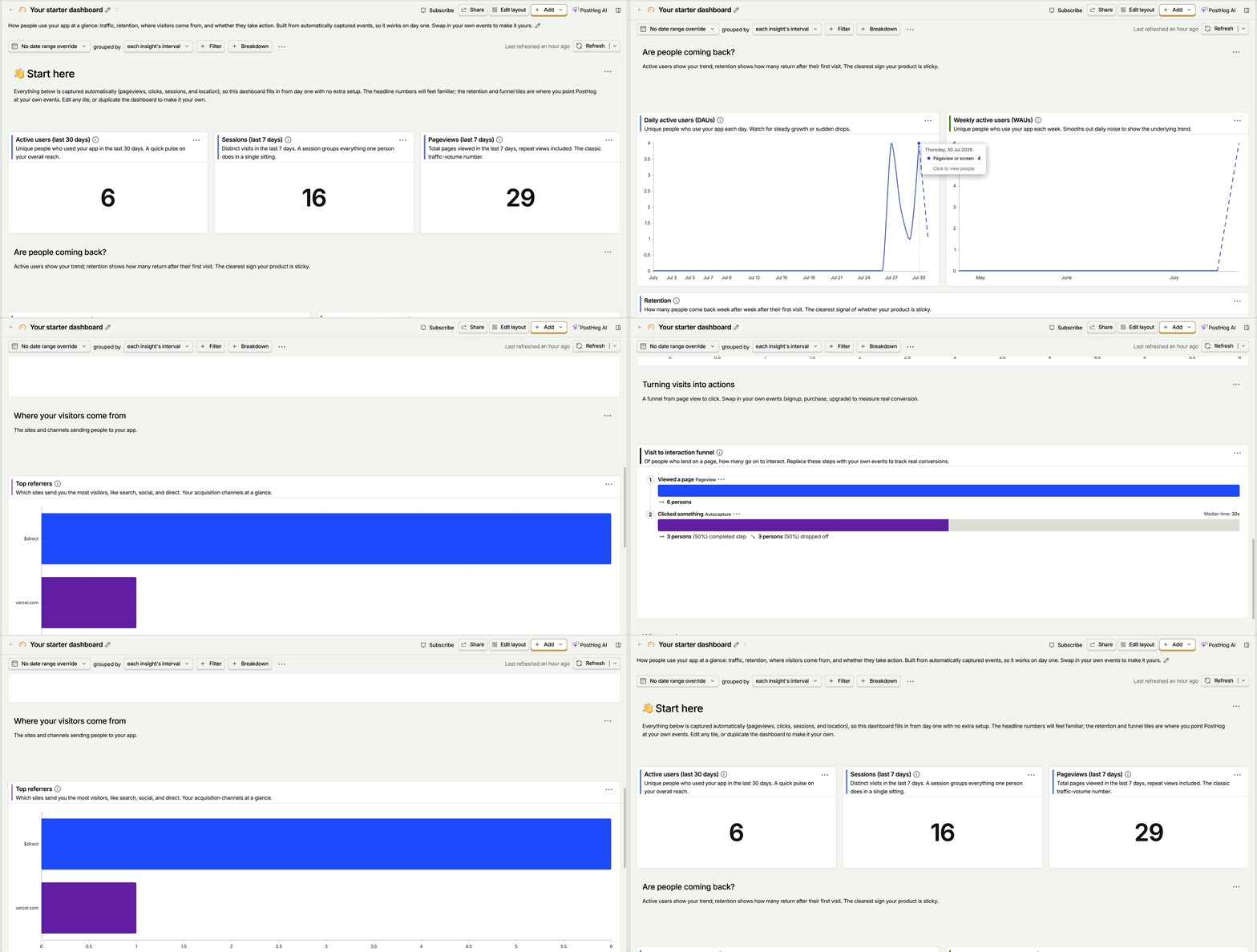
Instrumented and deployed
Open questions get answered by usage, not opinion
The prototype is wired to PostHog: which selection path people use, batch size distribution, how often the confirmation gets cancelled, and the undo rate as a proxy for how dangerous the action feels. And it is deployed at a live URL, so feedback could be given by clicking instead of by watching a video, with session replays showing exactly how reviewers explored it.
Handover file
The Figma file an engineer builds from
Cover, user flow, page views, and separate sections for modals, notification states, action bar states, and select menus, so every state is findable during build rather than buried in a screen.